

Latest Version
Jan Grulich
Security
Linux
Free
org.fedoraproject.MediaWriter
Report a Problem
More About Fedora Media Writer
When you need to deploy a new operating system, the initial setup phase can often feel like the most tedious hurdle. Fedora Media Writer streamlines this entire setup phase by acting as a highly reliable, focused bridge between raw operating system images and physical, bootable USB drives. Designed with a clean, user-friendly interface, it takes the guesswork out of formatting and flashing drives, ensuring that even those new to Linux can prepare installation media with absolute confidence.
Streamlined OS Deployment with Fedora Media Writer
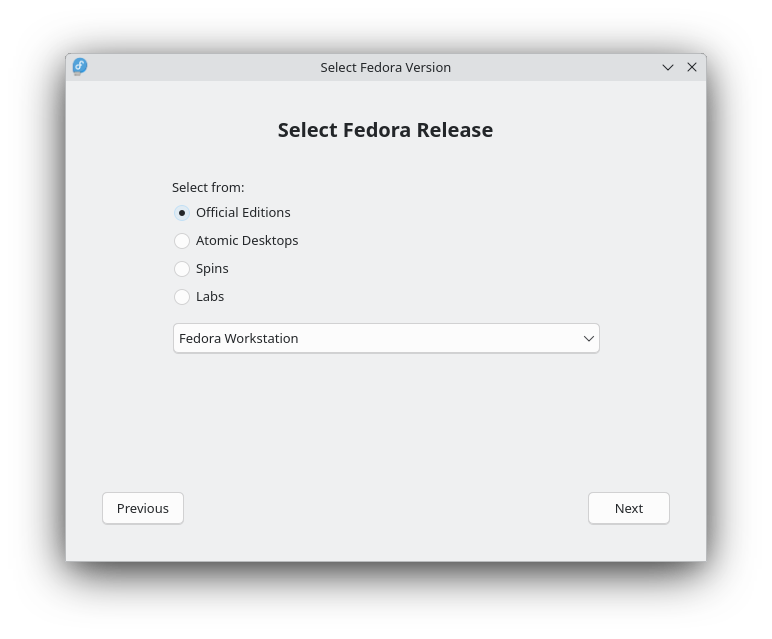
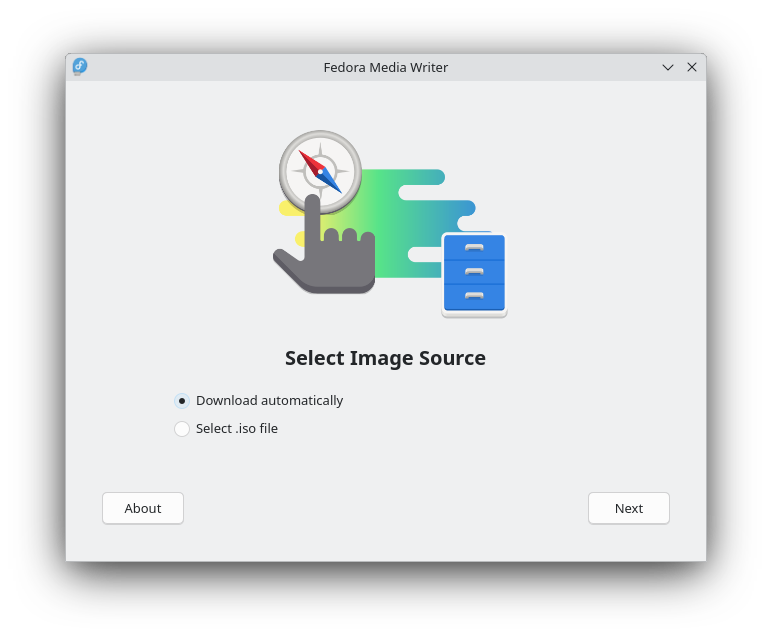
Unlike general-purpose flashing tools that require you to hunt down ISO files manually, this utility simplifies your workflow by integrating download and write capabilities into a single interface. When you launch the application, you are presented with an organized catalog of Fedora releases, allowing you to select your preferred environment and let the software handle the heavy lifting of downloading and verifying the integrity of the image.
Key Features and Capabilities
- Automated Downloads: Access official Fedora releases, including Workstation and Server editions, directly from the app.
- Spin & Lab Support: Explore alternative desktop environments like KDE Plasma, Xfce, and Cinnamon, or specialized setups from Fedora Labs such as the Security Lab and Design Suite.
- Local ISO Flashing: While optimized and heavily tested for Fedora releases, it also allows you to write other custom bootable ISO images stored on your local disk.
- Informed Selection: Each available edition comes with basic descriptive information to help you select the exact environment for your hardware and use case.
Who Is This Tool For?
Developed by Jan Grulich, this utility is an indispensable asset for system administrators, developers, and open-source enthusiasts who frequently deploy Linux environments. Because it categorized under security and utility tools on the Linux platform, it emphasizes reliable writes that minimize the risk of corrupted installations. Whether you are setting up a secure workstation or deploying a robust server, it eliminates the command-line complexity often associated with raw disk writing.
Getting Started
Ready to build your next bootable drive? You can learn more about this utility and access the installation package directly on its official distribution page. To get started, head over to the official Flathub store page to acquire the application for your Linux system.
Rate the App
User Reviews













Editor's Choice