
Latest Version
Mission Center Developers
Security
Linux
Free
io.missioncenter.MissionCenter
Report a Problem
More About Mission Center
When managing a Linux system, terminal-based tools like top or htop are often the default, but they can lack the immediate visual clarity needed for rapid troubleshooting. The Mission Center system resource monitor bridges this gap, offering a gorgeous, highly detailed graphical interface that brings professional-grade hardware tracking to your desktop.
What Sets the Mission Center System Resource Monitor Apart?
Built with Rust, GTK4, and Libadwaita, this utility is designed from the ground up to be incredibly lightweight and visually integrated with modern Linux desktop environments. Unlike older monitoring tools that can consume significant system resources just to display performance metrics, this application utilizes hardware-accelerated rendering for all of its real-time graphs, keeping its own footprint to an absolute minimum.
Key Tracking Features and Performance Insights
The core strength of the Mission Center system resource monitor lies in its granular breakdown of your hardware components:
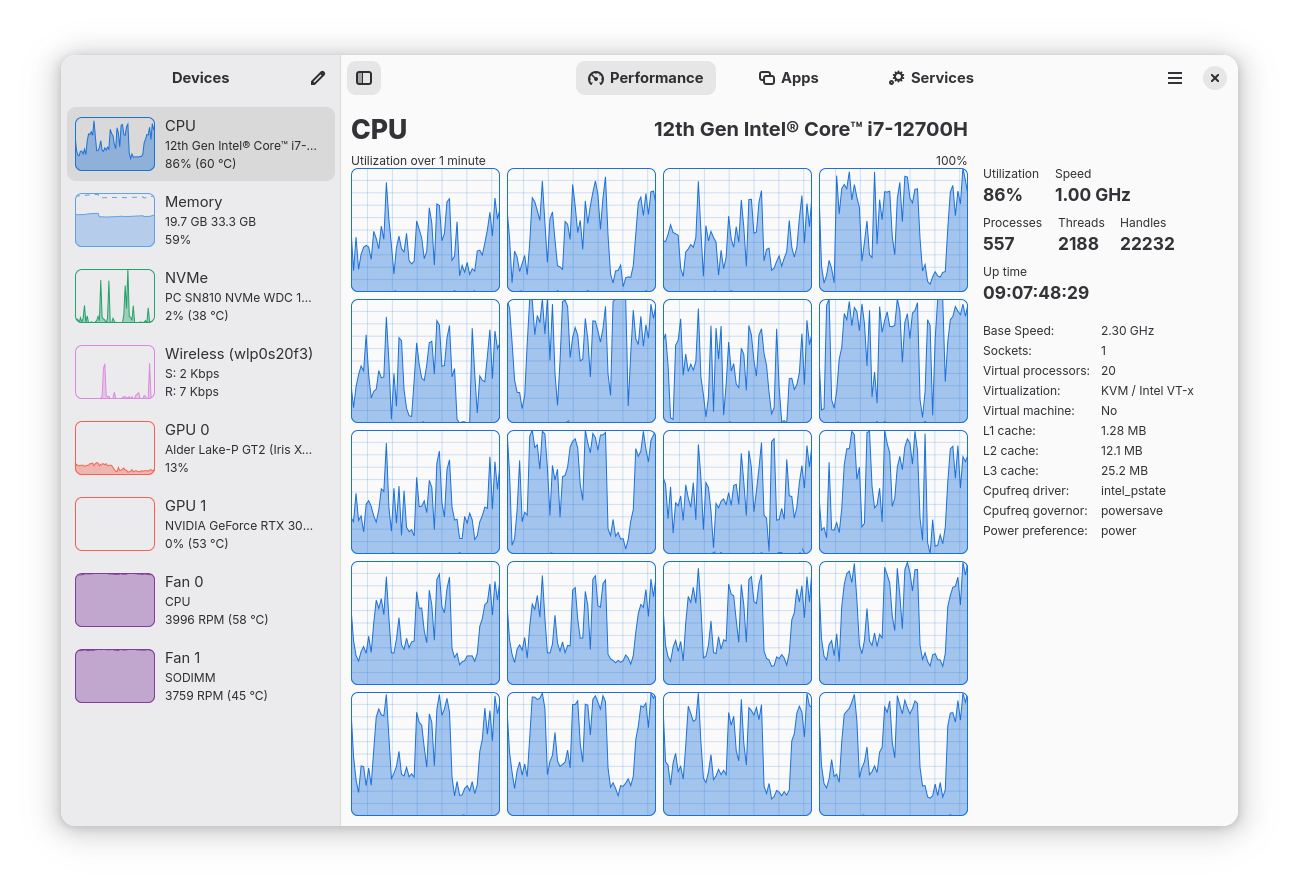
- Granular CPU Metrics: Monitor your overall processor performance or dive deep into per-thread utilization. Track clock speeds, uptime, active thread and handle counts, and cache sizes in real time.
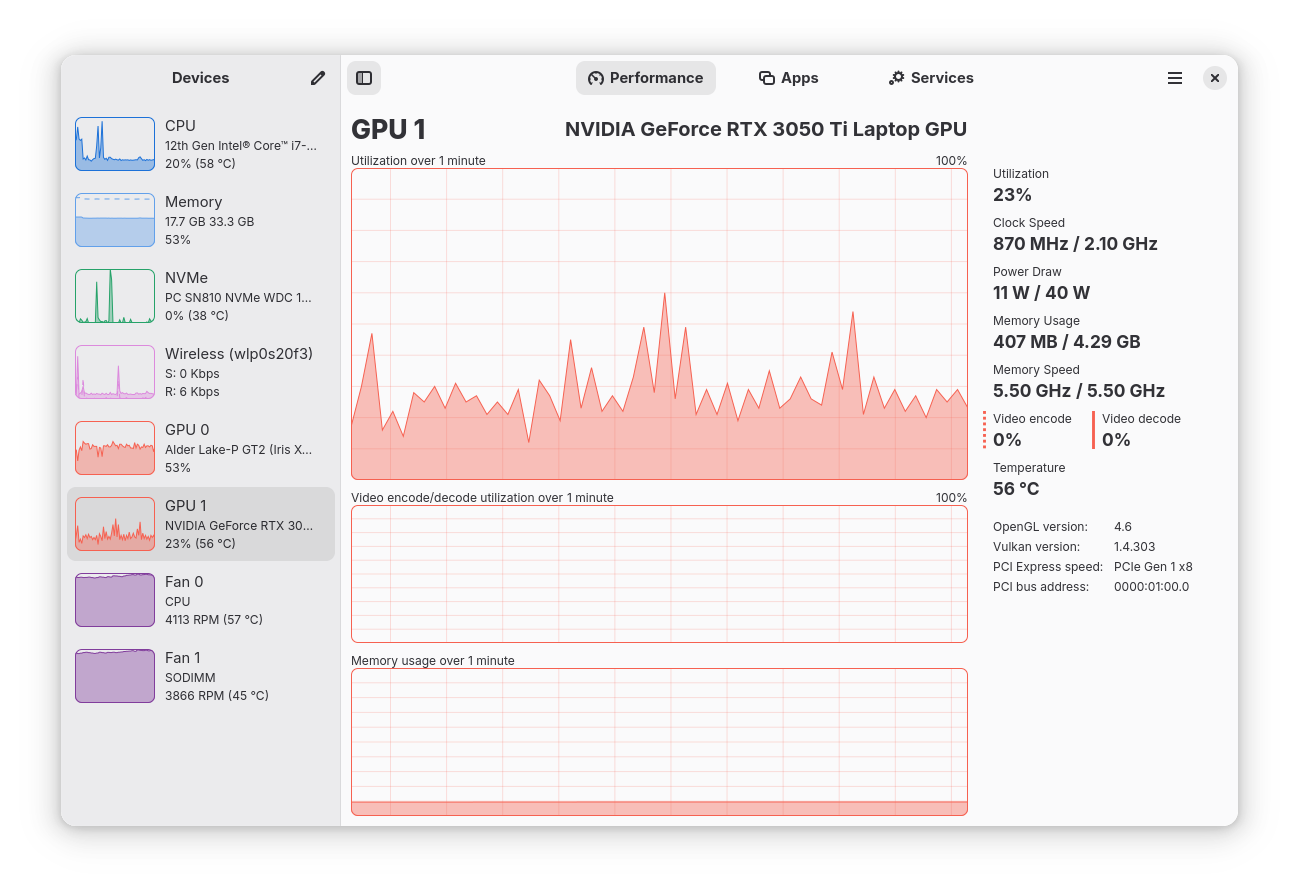
- Advanced GPU Monitoring: Powered by the robust NVTOP project, you can keep tabs on video encoder/decoder usage, dedicated memory consumption, and overall power draw (with Broadwell or newer Intel GPUs supported for core monitoring).
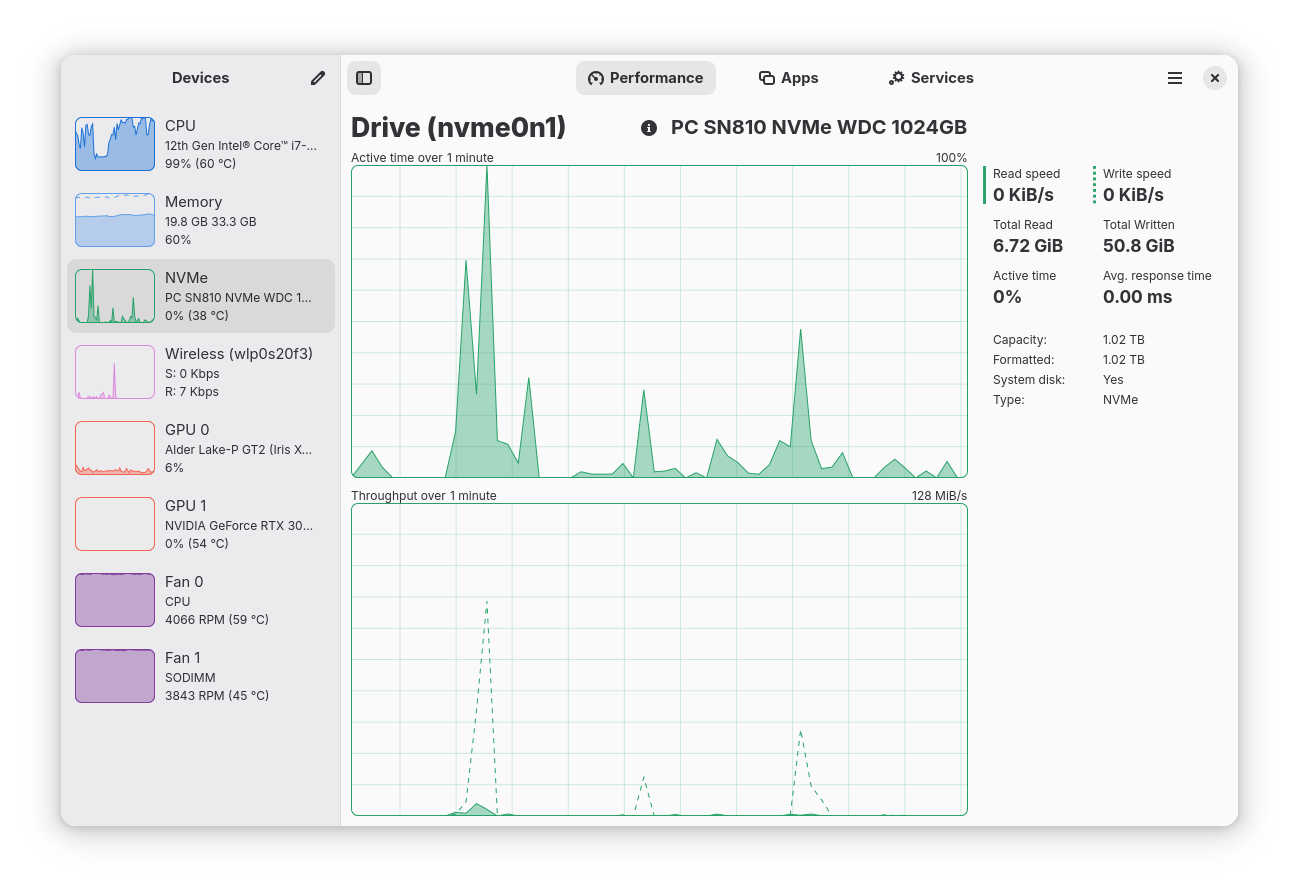
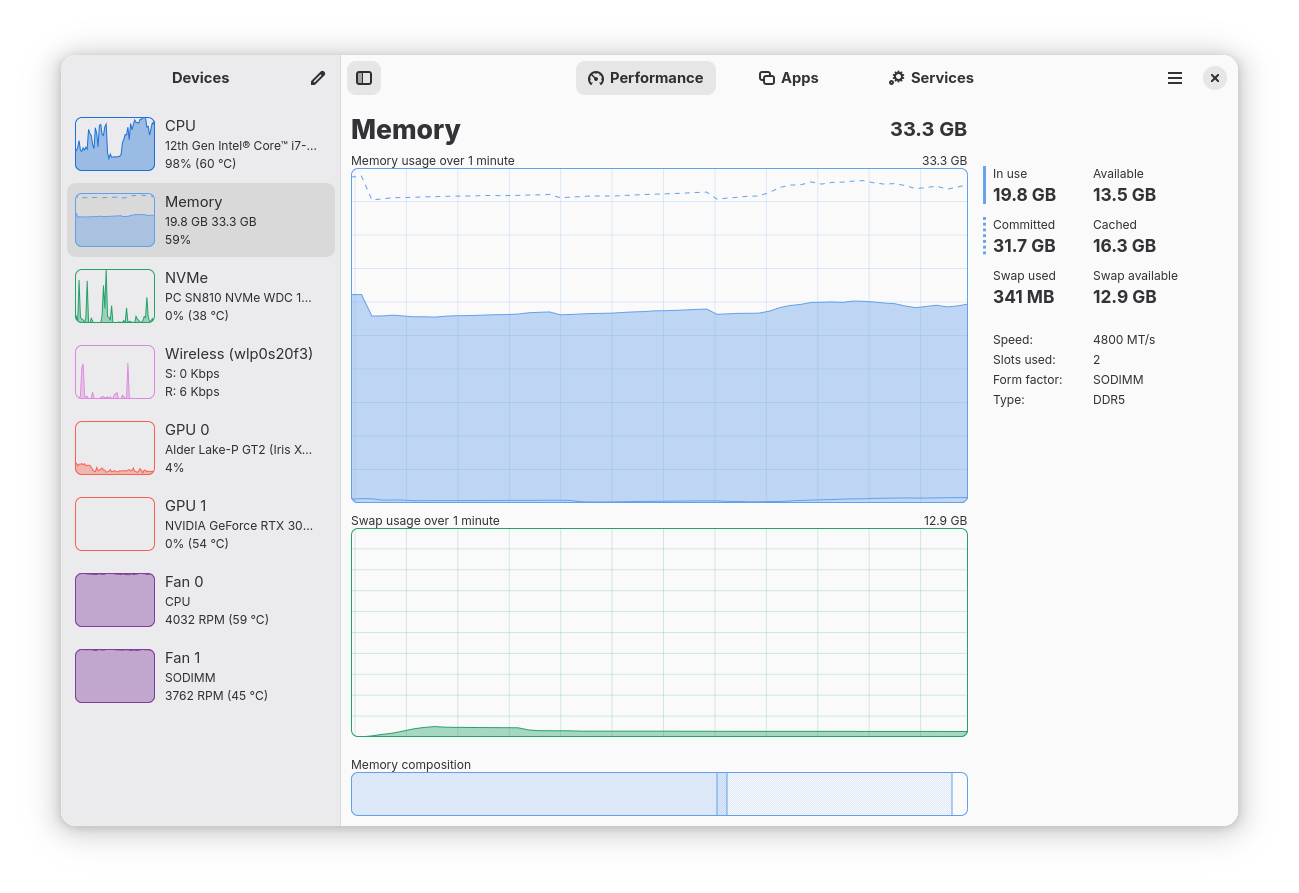
- Memory and Storage Analytics: View exact RAM and swap space usage alongside a detailed breakdown of how the system allocates memory. You can also track disk transfer rates and active write speeds.
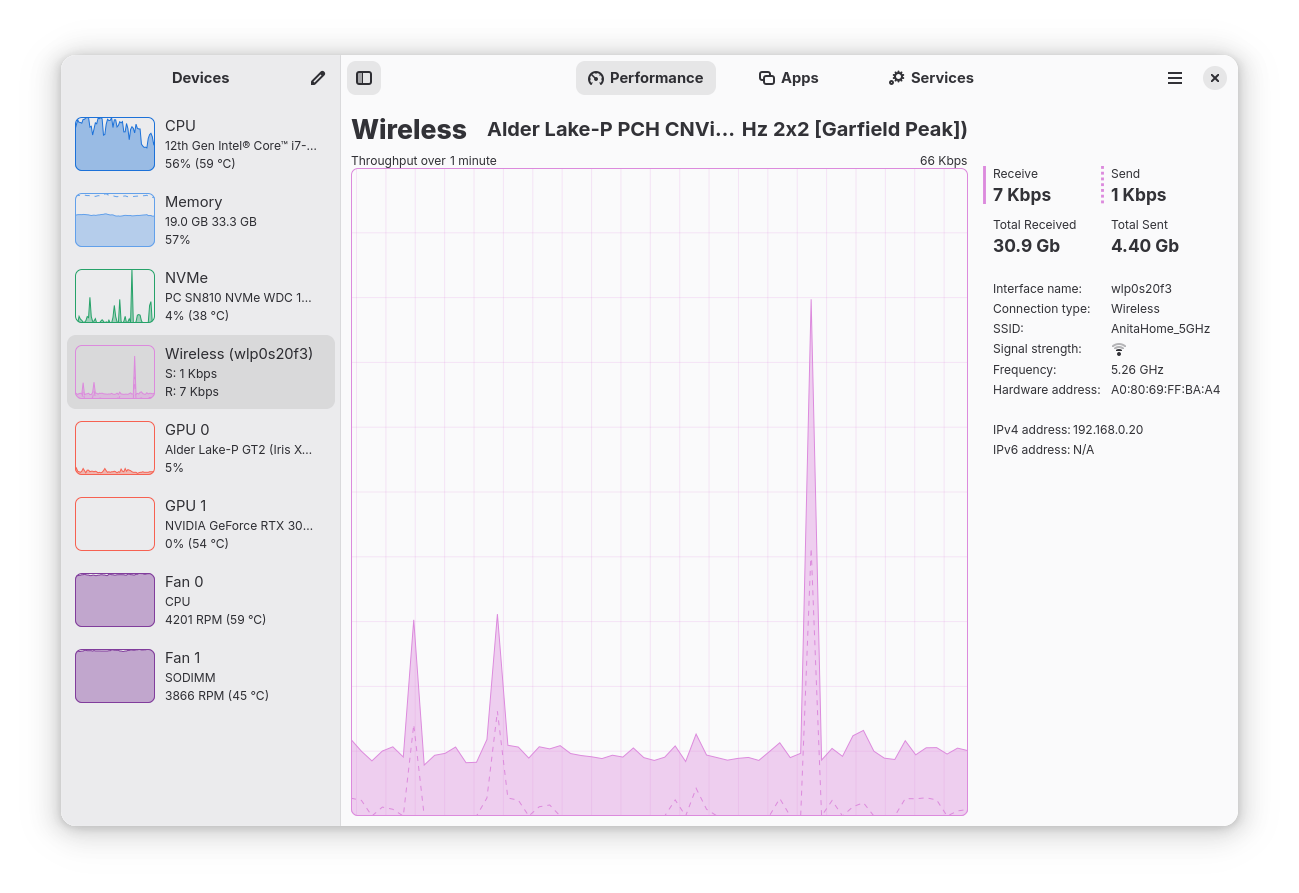
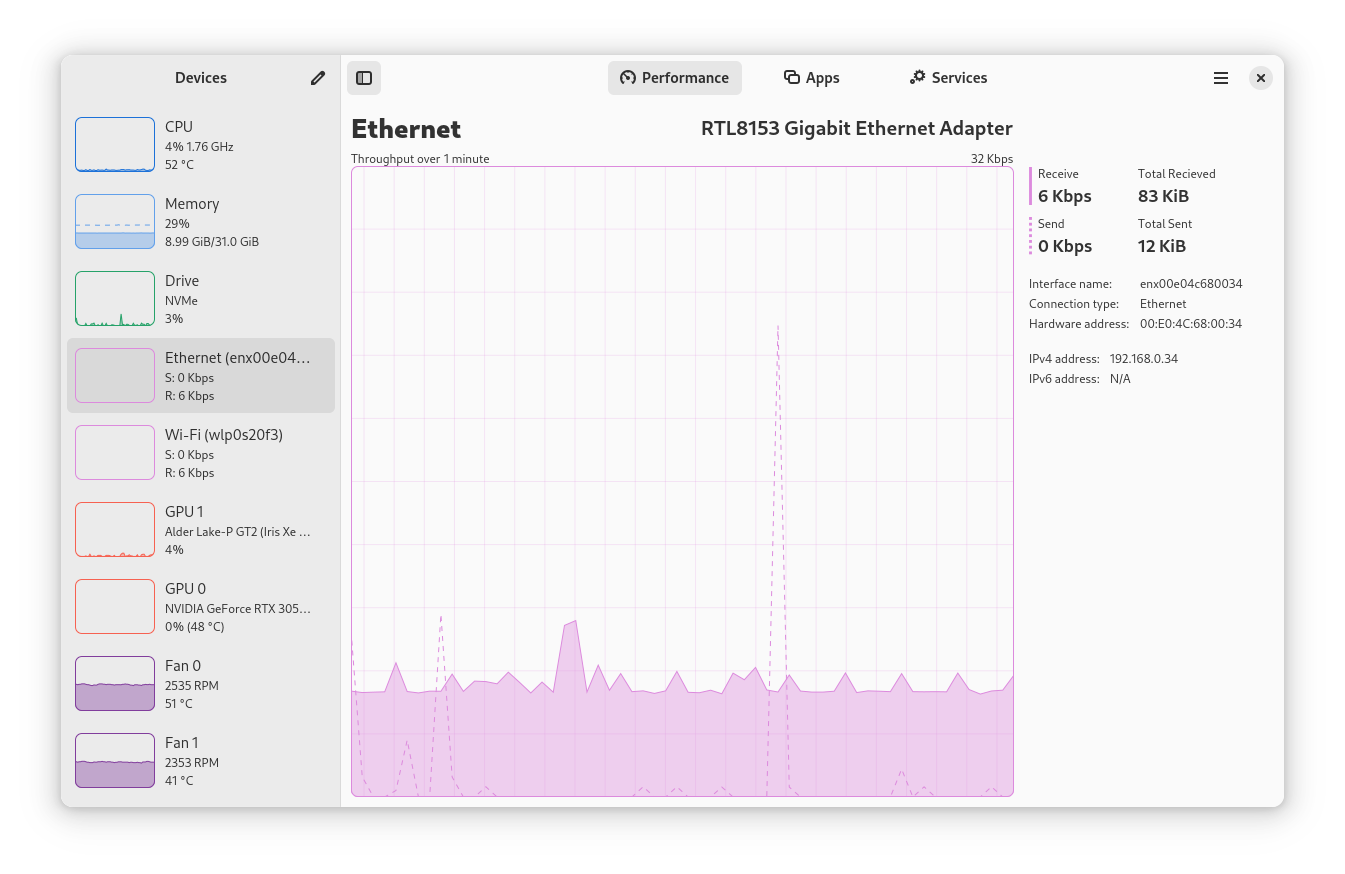
- Network and Hardware Diagnostics: Access comprehensive interface details including IP addresses, connection types (Wi-Fi or Ethernet), wireless frequencies, and transfer speeds, as well as live system fan speeds.
Who Is This Monitor Designed For?
Whether you are a developer compiling heavy Rust codebases, a gamer tracking GPU bottlenecks under Proton, or a system administrator who prefers a clean GUI over command-line diagnostics, this tool provides the exact telemetry you need. Its minified summary view is perfect for keeping on a second monitor while you work, giving you a quick glance at your hardware status without cluttering your workspace.
Current Project Limitations
As an actively developed open-source project by the Mission Center Developers, there are a couple of known limitations. Currently, Intel GPU tracking does not support VRAM, temperature, or power monitoring on pre-Broadwell chips. Additionally, users on Linux Mint or the Cinnamon desktop environment may experience an upstream bug where newly launched applications do not immediately populate the process list.
The Verdict: A Modern Tool for Power Users
The Mission Center system resource monitor is an exceptional addition to any Linux user's toolkit, offering the sleek aesthetic of modern desktop environments paired with the deep technical reporting of advanced command-line tools. If you are ready to elevate your system tracking, head over to the official Flathub store page to learn more and explore its installation options.
Rate the App
User Reviews
















Editor's Choice